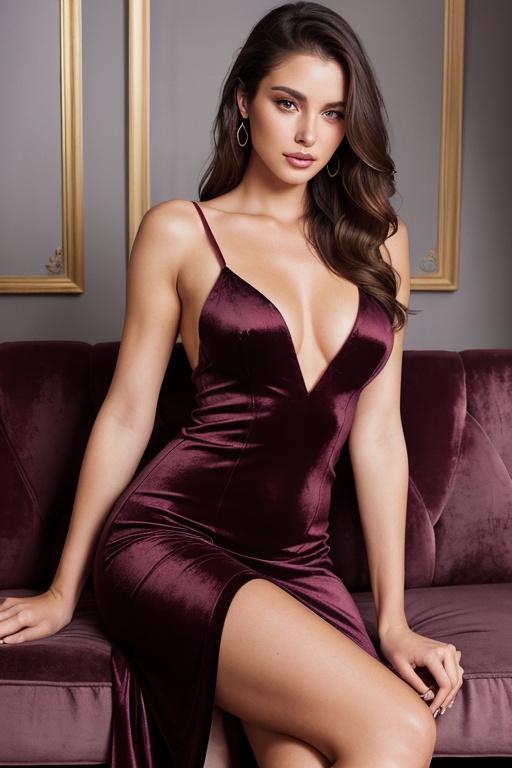
 Text to image
Text to image
Generate AI character images from a prompt and tune the style, pose, quality, and framing.
Neevid is an AI character image and video generator. Create images and short videos from text, animate generated images, extend clips, and explore community creations. Sign in with Google to create or access your Neevid account.
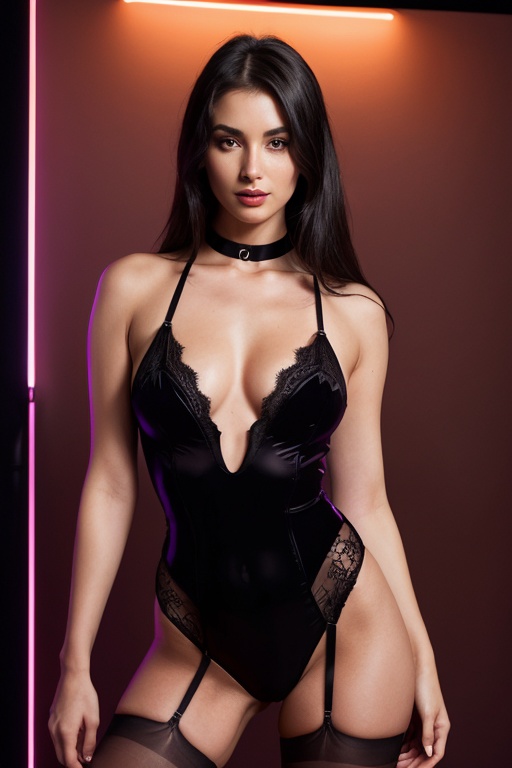
Describe the character, direct the visual choices, then compare and continue from the results that work.
Write naturally about the character, action, setting, light, mood, or camera movement you have in mind.
Choose the format, style, composition, pose, and character details that define this particular idea.
Review every result in one history, reuse what worked, and animate a generated image without starting over.
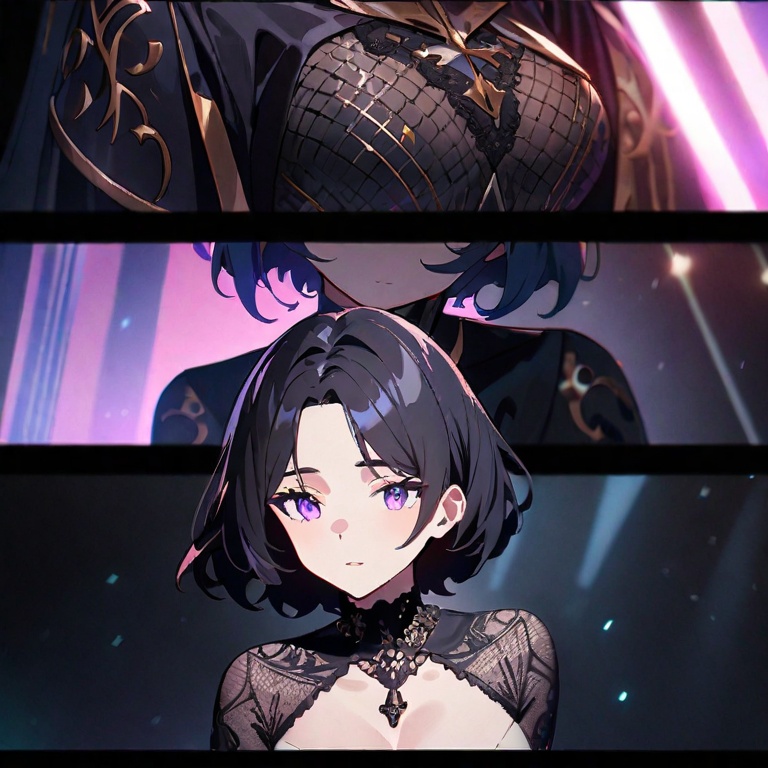
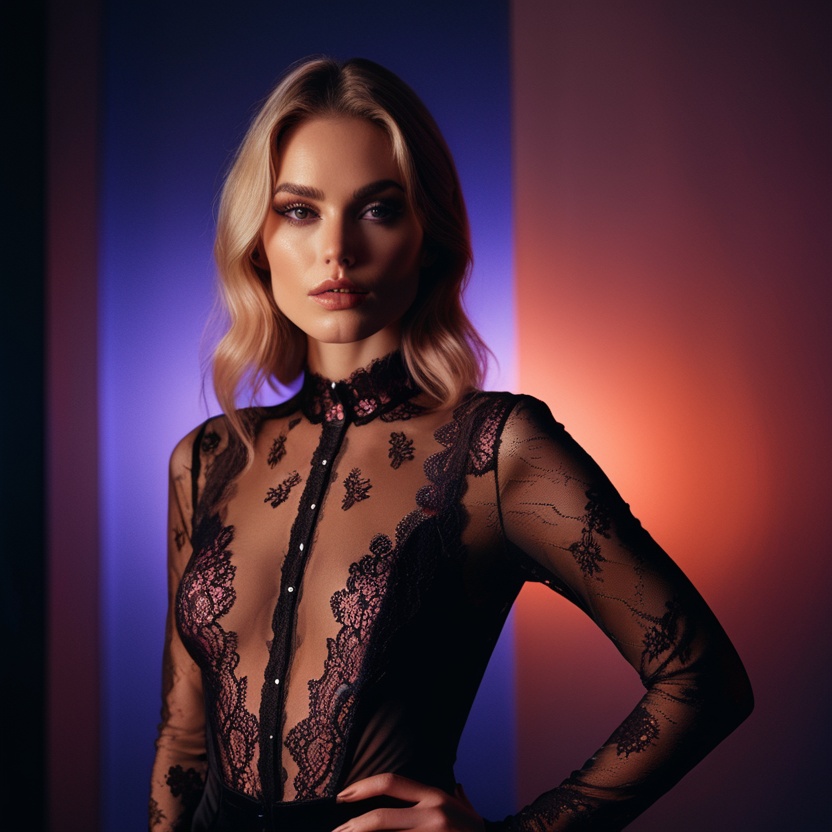
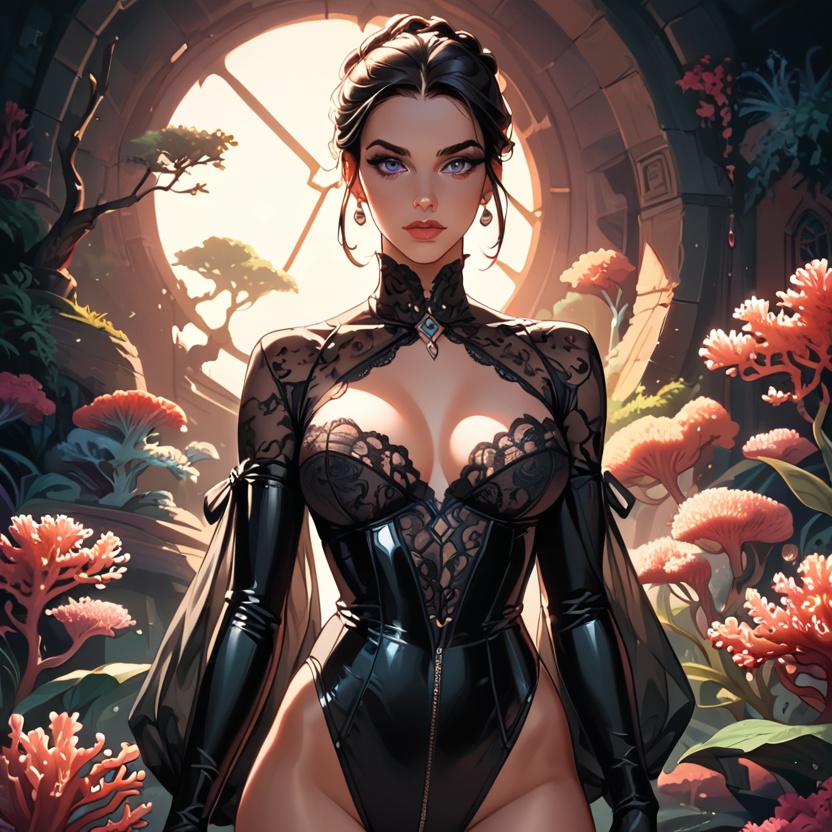
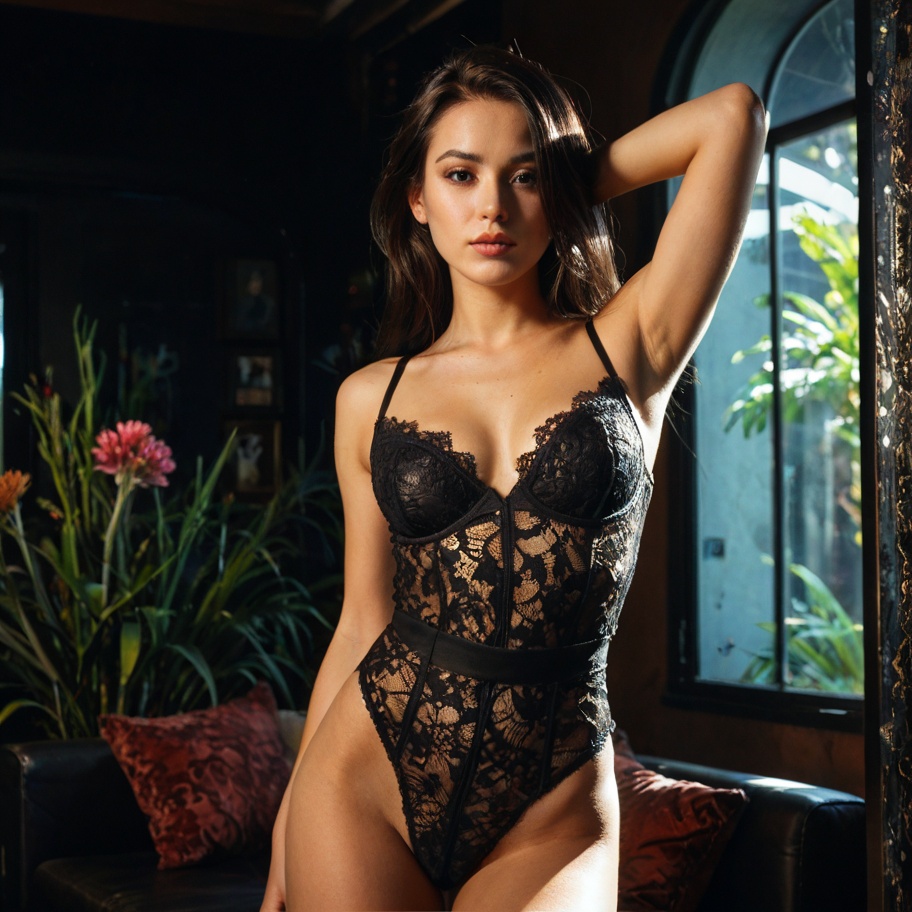
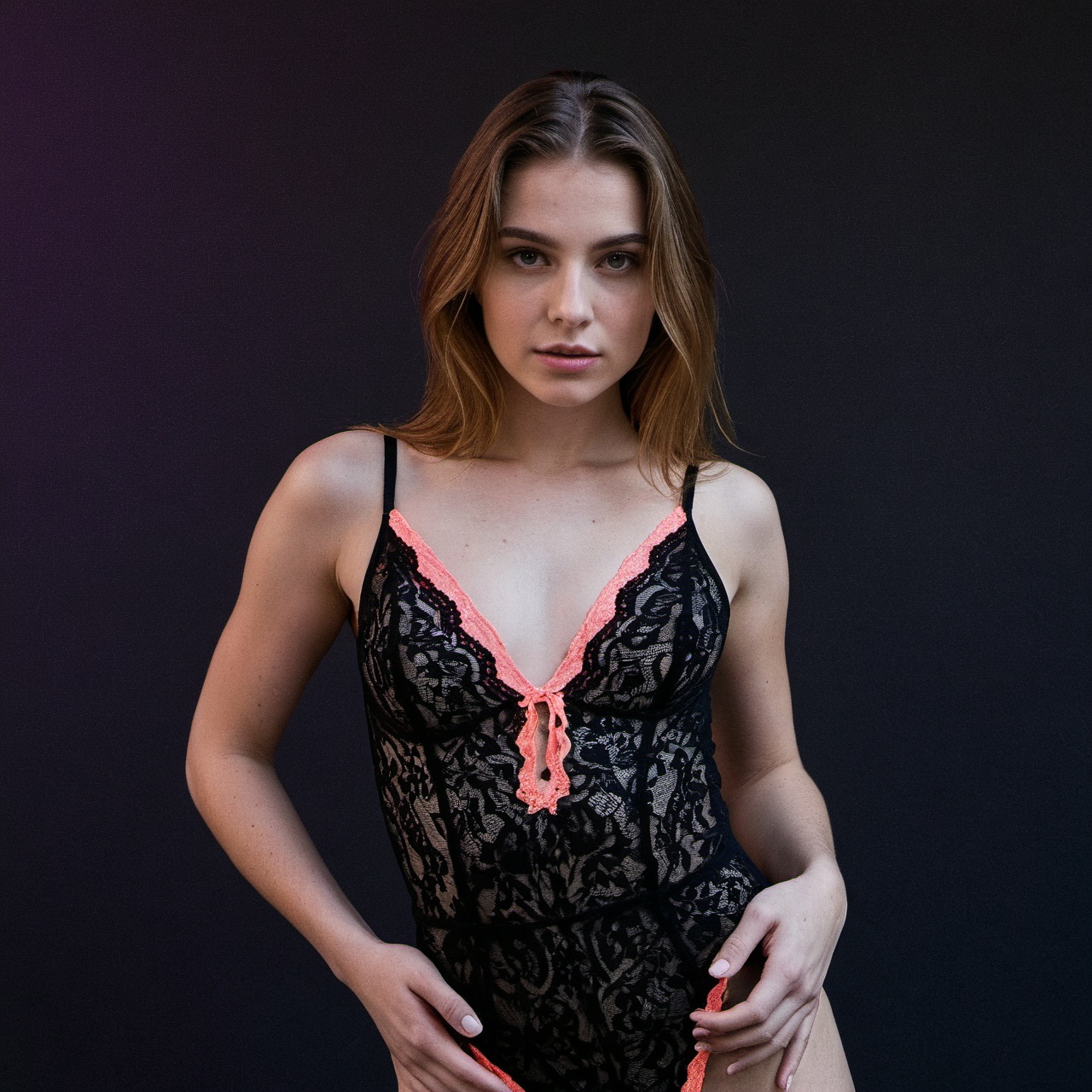
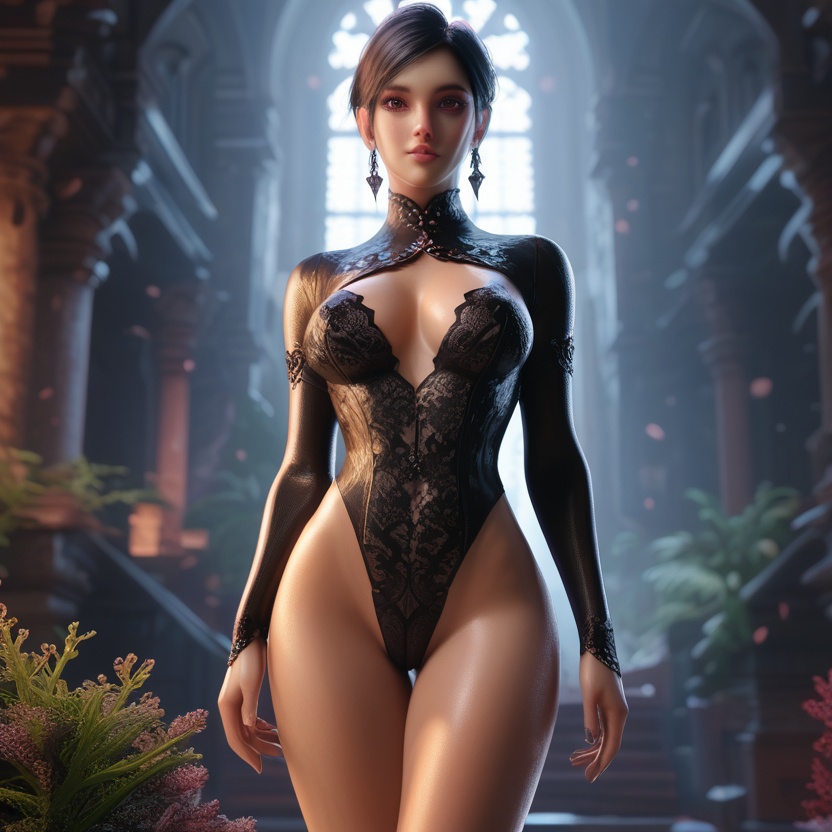
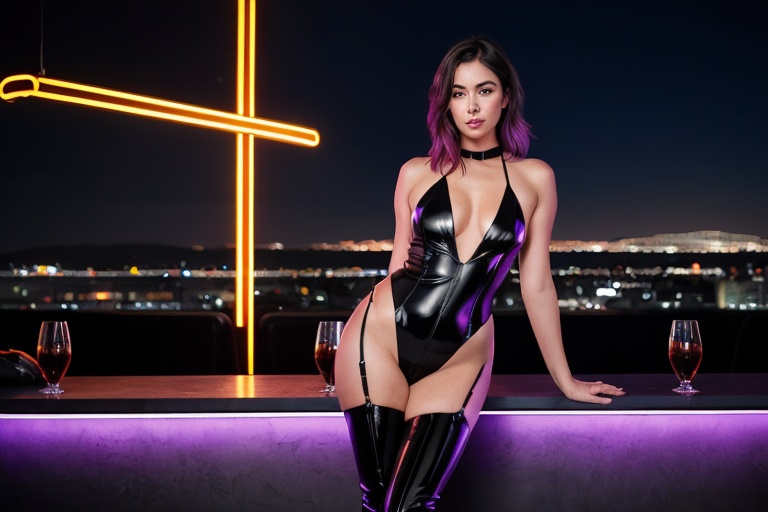 Text to video
Generate a still from text, move straight into video, or animate a generated image—each mode keeps the same creative thread.
Text to imageGenerate AI character images from a prompt and tune the style, pose, quality, and framing.
Text to videoCreate short AI videos directly from a character or scene description.
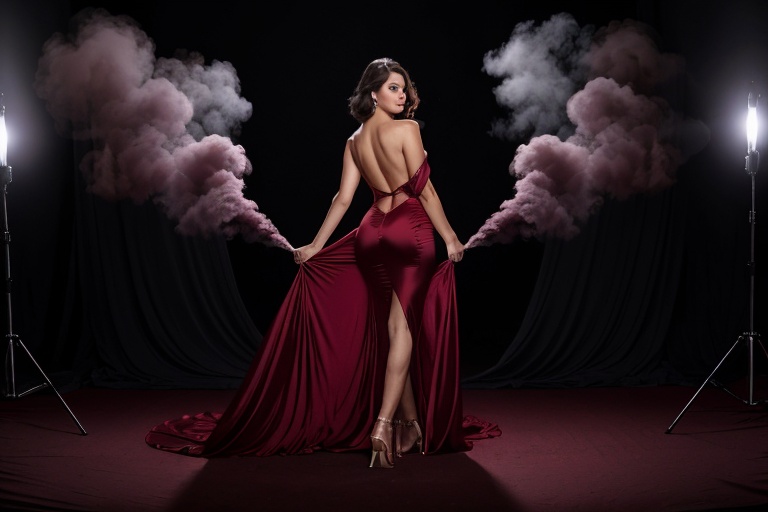 Image to video
Use a generated image as the opening frame and bring the character into motion.
Start with a prompt and open deeper controls only when you need to tune the look, pose, format, or finish.
Describe the look, setting, expression, and mood to generate polished AI images across a range of visual styles.
Create video from text or animate a generated image as the opening frame.
Guide the style, framing, quality, pose, character details, and more without losing creative momentum.
Return to earlier images and videos, reuse prompts, and continue from a result instead of rebuilding the idea.
Choose one of the available visual styles for this generation.
Filter by category and choose a pose for this generation.
Browse AI images and videos from the community, discover new creative directions, and turn inspiration into a scene of your own.
Explore creations
Pick the credit pack that fits whenever you need more generations.
Yes. Start with text-to-image, choose a result from your history, then use it as the first frame of a new video.
You can set visual style, aspect ratio, quality, pose, character details, audio, and other options supported by the selected mode.
Your prompt, generation settings, and workspace choices are cached in the browser so you can continue after returning.
Open the generator, write the first scene, and turn it into an image or video.
Start creating